
In 2026, call center software is no longer limited to managing inbound and outbound calls. It centralizes interactions, routes them to the right resources, connects customer data, and automates an increasing share of the tasks performed by teams.
Artificial intelligence is accelerating this evolution. According to a study by Salesforce, 30% of service requests are already resolved by AI, a proportion that surveyed professionals expect to rise to 50% in the coming years.
For businesses, the challenge is therefore not to accumulate features, but to identify those that genuinely improve customer experience, agent productivity, and contact center management.
Omnichannel capabilities, intelligent routing, CRM integration, callbots, Agent Assist, or Speech Analytics: here are the 10 key features to prioritize when choosing call center software in 2026.
The 10 Essential Features
1. Omnichannel: Centralizing All Customer Interactions
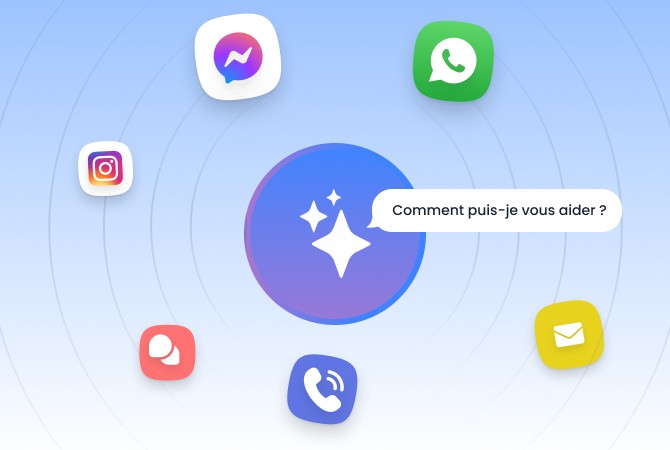
Phone, email, web chat, SMS, WhatsApp, Messenger: customers now use various channels to contact a company and can switch from one to another during the same journey.
An omnichannel call center software makes it possible to centralize these interactions within a single interface and preserve their context. Agents can thus access the interaction history, regardless of the channel previously used.
For example, a conversation initiated via chat can be continued over the phone without requiring the customer to explain their request all over again.
For agents, this centralization limits the multiplication of tools and facilitates access to information. For customers, it ensures a more consistent experience across different touchpoints.
Omnichannel is therefore no longer simply about offering multiple channels: it must ensure conversation continuity between them.
2. Intelligent Call Routing: Directing to the Right Agent
Routing is one of the core functions of call center software. Its role is to identify the most relevant resource to handle each interaction.
Distribution rules can take numerous criteria into account: availability, agent skills, language, contact reason, priority level, channel used, or information retrieved from the CRM.
Artificial intelligence allows companies to go further by analyzing the content or intent of a request to automatically adapt its routing.
A simple request can thus be directed to an automated workflow, while a more complex situation is routed directly to an agent with the necessary expertise.
The objective is concrete: to reduce unnecessary transfers and direct each request to the right resource from the very first contact.
3. CRM Integration: Providing Immediate Customer Context
Call center software should not operate independently of the CRM or the company's business applications.
When a customer contacts the service department, agents must be able to quickly access the information needed to understand their situation: identity, interaction history, open tickets, contracts, orders, or other business data.
CRM integration notably enables companies to:
automatically identify the customer;
display their profile and history;
access data relevant to the request;
automatically record interactions;
trigger actions and workflows.
The integration also works the other way around. At the end of a call, its summary, qualification, or follow-up actions can be automatically saved in the CRM.
The goal is to reduce searching and manual data entry so that agents can focus on resolving the customer's request.
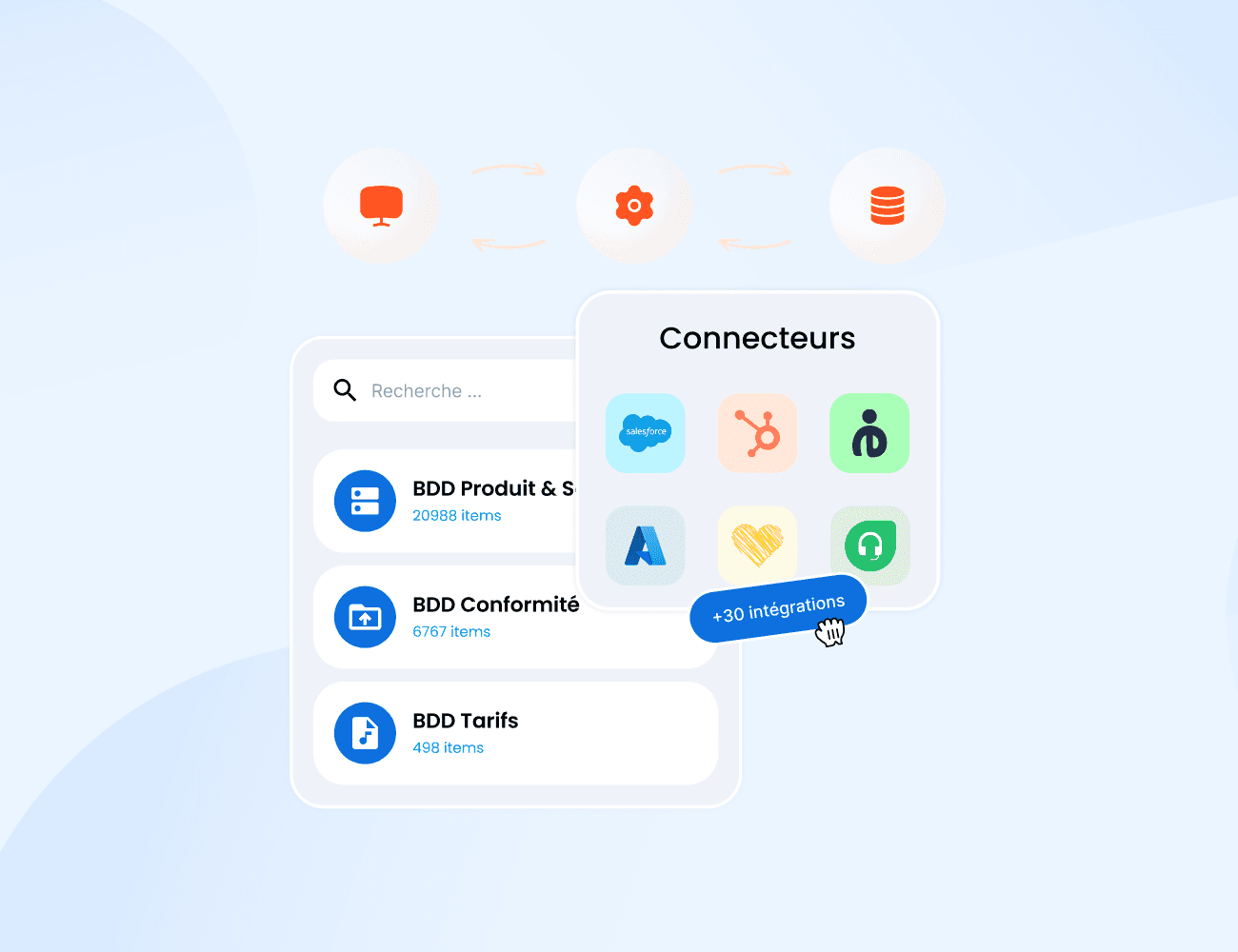
Native connectors and available APIs should therefore be key criteria when selecting a platform.
4. Conversational IVR and Callbots: Automating Simple Requests
Traditional IVR systems rely on predefined trees: "press 1," "press 2," "press 3."
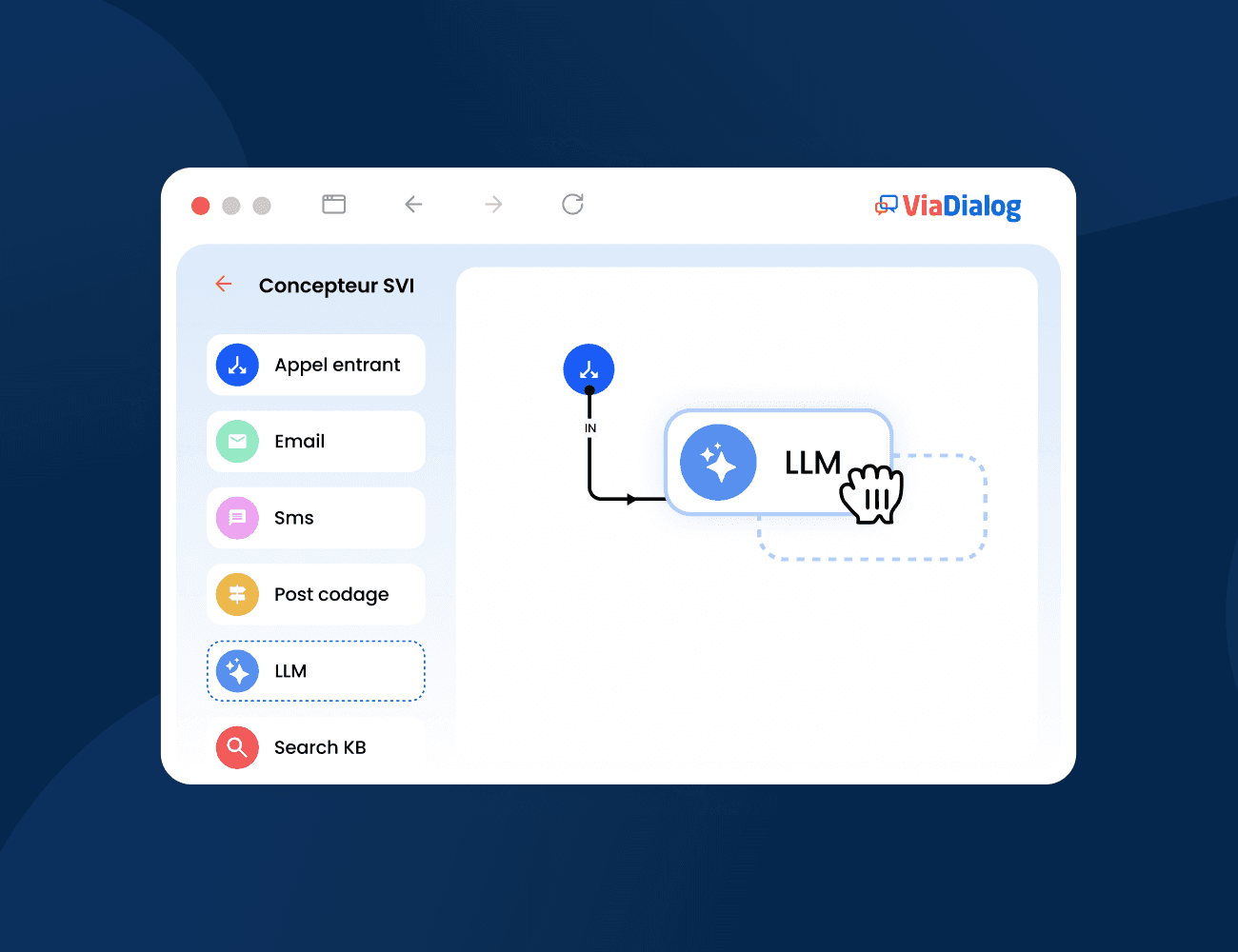
Conversational IVRs and callbots allow customers to state their requests directly in natural language. Speech recognition and artificial intelligence analyze their intent to provide an answer, query a data source, trigger an action, or route them to the right contact.
This automation is particularly suited for recurring requests: case tracking, business hours, appointment scheduling, order status, document requests, or FAQs.
It also enables businesses to offer 24/7 responses for specific customer journeys.
In fact, automation plays a growing role in customer service. According to a study by Salesforce, 30% of requests are already resolved by AI, and surveyed professionals anticipate this figure rising to 50% in the coming years.
However, the goal is not to eliminate human intervention. When a request becomes complex, sensitive, or requires specialized expertise, transferring to an agent must remain seamless and preserve the context of the conversation.
5. Agent Assist: Supporting Agents with AI
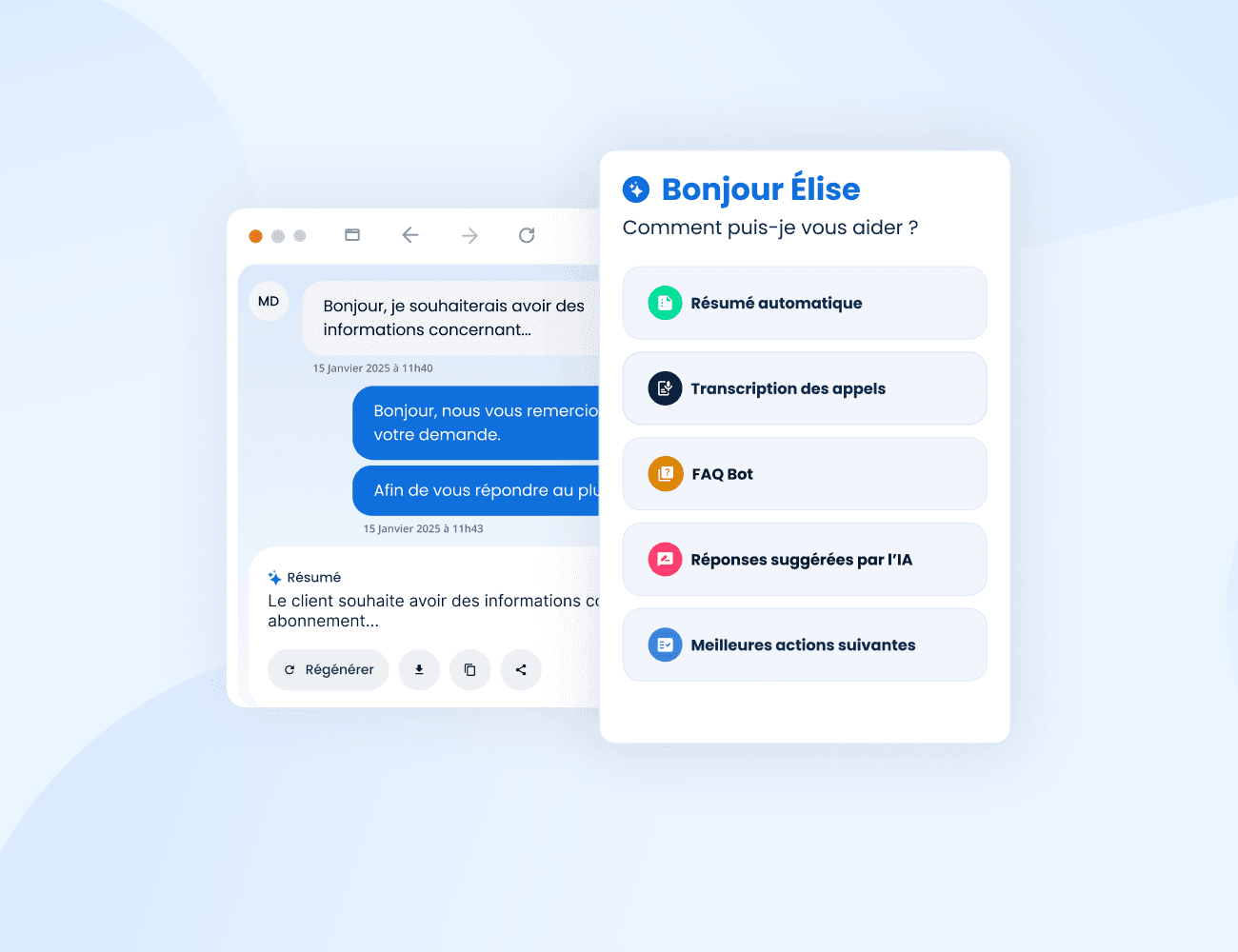
Agent Assist acts as a copilot for the agent during the interaction.
Artificial intelligence analyzes the conversation and can automatically search for information in a knowledge base, suggest responses, display procedures, or bring up relevant content based on the customer's request.
This assistance can also continue after the interaction by transcribing the conversation, generating a summary, or preparing the information to be recorded in the CRM.
As a result, agents spend less time searching for information or performing administrative tasks.
The value of Agent Assist does not lie in replacing agents, but in augmenting their ability to respond quickly and with the right level of information, particularly when handling complex requests.
This approach also standardizes access to knowledge between experienced agents and new hires.
6. Speech Analytics: Analyzing Customer Conversations
Every call contains valuable insights into customer expectations, difficulties, and satisfaction. However, when a contact center processes thousands of conversations, manual analysis becomes impossible at scale.
Speech Analytics makes it possible to automatically transcribe and analyze conversations to turn voice data into actionable insights.
Specifically, it can enable companies to:
automatically transcribe calls;
identify the main reasons for contact;
detect friction points and weak signals;
track keywords or intent;
analyze specific conversational indicators;
automatically generate summaries.
Teams can then identify trends that would otherwise remain hidden through occasional listening: an increase in a specific contact reason, a recurring issue in a customer journey, the emergence of a new objection, or evolving customer demands.
Speech Analytics thus transforms contact center conversations into a source of customer intelligence, actionable by operational teams, quality managers, and customer experience leads alike.
7. Quality Monitoring: Automating Quality Control
Traditional quality control generally relies on manual listening and evaluation of a fraction of conversations.
While this approach remains essential for deep-dive analyses, it mechanically limits the volume of interactions that can be monitored.
According to an analysis by McKinsey, traditional Quality Assurance processes remain largely manual and rely on small, random samples of conversations.
Artificial intelligence allows companies to scale up by automating part of the analysis based on predefined criteria: compliance with specific procedures, presence of mandatory information, detection of particular situations, qualification, or scoring.
The objective is not necessarily to eliminate human evaluation, but to better select the conversations that require special attention.
Supervisors can then focus their time on coaching, analyzing complex scenarios, and supporting agents.
Quality Monitoring thus becomes a tool for continuous quality improvement, rather than just a compliance mechanism.
8. Real-Time Supervision and Reporting: Managing Activity
A contact center must be able to react quickly to volume fluctuations and unforeseen events.
Supervision tools make it possible to track key operational indicators in real-time: number of queued calls, wait times, answer rates, agent availability, interaction duration, service levels, or volumes per channel.
Alerts can be configured when a threshold is exceeded, enabling supervisors to intervene promptly.
Dashboards also facilitate historical activity analysis: volume trends, contact reasons, performance by team, peak hours, or channel-to-channel comparisons.
This information allows companies to better scale resources, identify friction points, and make decisions based on objective data.
The challenge is to move from a primarily reactive management style to a more proactive approach.
9. Outbound Call Campaigns: Optimizing Outreach
Call center software does not only manage inbound interactions. Outbound calls remain essential for many activities: lead generation, follow-ups, appointment setting, satisfaction surveys, renewals, or customer notifications.
Campaign management tools make it easy to import and segment contact lists, assign campaigns to teams, and track their progress.
Automated dialing features or power dialers also reduce the time agents spend manually dialing numbers and waiting for connections.
Scripts can be adapted to the campaign context, and the results of each call can be automatically saved in the CRM.
An integrated platform thus brings together inbound and outbound calls in a single environment, providing a consolidated view of activity and customer history.
10. Automatic Call-Back: Reducing Wait Times During Activity Peaks
Even with optimal staffing, a call center can experience periods when request volumes temporarily exceed available capacity.
Call-back functionality allows the system to offer customers the option of being called back instead of waiting on hold.
Depending on the configuration, their queue position can be preserved, and the call-back is triggered automatically once an agent becomes available. Customers can also be offered different time slots for the callback.
This feature is particularly useful during seasonal peaks or during an event that suddenly generates a high volume of requests.
It does not replace proper team sizing, but it helps better absorb workload variations and reduce customer effort.
Call Center Software: What is Evolving in 2026
Category | Traditional Approach | Evolution in 2026 |
|---|---|---|
Omnichannel | Channels managed separately | Context preserved across channels |
Routing | Queues and skills | Context, intent, and skills |
IVR | DTMF Menus | Profile pop-up and synchronization |
CRM | Lookup and manual entry | Real-time emotional alerts |
Agent Assistance | Scripts and manual search | Agent Assist and knowledge base |
Call Analysis | Occasional listening | Speech Analytics |
Quality | Manual sampling | Automated analysis at scale |
Supervision | Operational KPIs | Real-time alerts and data |
Artificial intelligence is therefore not replacing contact center fundamentals. It is enriching them and automating certain steps that previously required manual intervention.
How to Choose Your Call Center Software
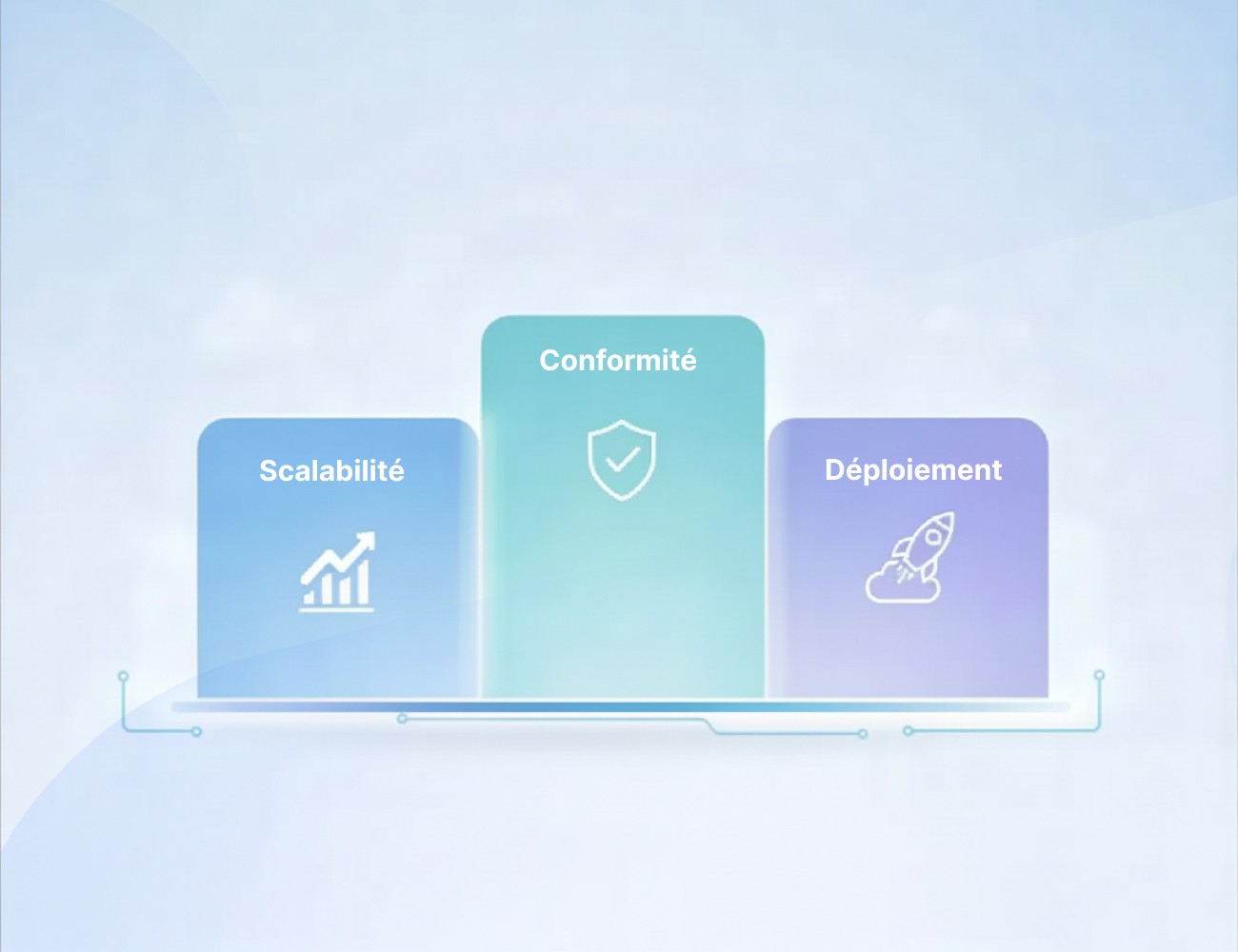
Features alone are not enough to choose between two solutions. Selecting call center software must also take into account its architecture, integration capabilities, security, and alignment with your organization.
A Cloud Architecture Capable of Handling Your Volumes
The platform must be able to adapt to fluctuations in your activity without requiring heavy on-premise hardware infrastructure.
This capability is particularly important for organizations facing high seasonality, occasional campaigns, or sudden peaks in requests.
Check availability SLA commitments, business continuity mechanisms, and the conditions required to scale the number of users or platform capacity quickly.
Integrations with Your Information System
CRM, ERP, ticketing systems, knowledge bases, payment solutions, or proprietary business applications: your call center software must be able to communicate with your existing environment.
Analyze the connectors offered by the vendor, as well as their APIs.
An open architecture facilitates current integrations and allows you to scale the information system gradually without having to replace the entire platform.
Security, Compliance, and Data Residency
A contact center processes personal and sometimes sensitive data on a daily basis.
Hosting location, encryption, authentication mechanisms, permissions management, recording retention, and vendor compliance commitments must therefore be carefully evaluated.
With the development of artificial intelligence, an additional question becomes critical: where and how is data processed by AI models?
The company must be able to understand what information is transmitted, where it is processed, and what guarantees are provided by the vendor.
An Interface Designed for Agents and Supervisors
A highly comprehensive platform can become counterproductive if it is too complex to use.
The agent interface must provide quick access to conversations, customer information, and core actions without multiplying screens.
The same logic applies to supervisors: queue configuration, user management, KPI tracking, or campaign creation must remain accessible to operational teams.
Usability should therefore be evaluated with future users during the selection phase.
A Platform Built to Evolve
Contact center practices are evolving rapidly, particularly with the arrival of new artificial intelligence models.
Beyond the features available at the time of signing, look at the platform's capacity to integrate new channels, new automations, or new AI models.
An open architecture prevents dependency on a single technology and facilitates the gradual evolution of the contact center.
Checklist: Does Your Call Center Software Meet Your Needs?
Before choosing your platform, check the following points:
Omnichannel: Are interactions truly centralized?
Routing: Can you adapt distribution to your business rules?
CRM and APIs: Can your existing tools be easily connected?
Automation: Which requests can be handled without an agent?
Agent Assist: Can AI support teams in real-time?
Speech Analytics: Can you leverage the data from your conversations?
Quality Monitoring: Can you scale quality analysis?
Supervision: Do you have real-time indicators and alerts?
Security: Do you know where your data is hosted and processed?
Scalability: Will the platform be able to support your future needs?
Frequently Asked Questions About Call Center Software
What is call center software?
Call center software is a platform designed to manage phone interactions between an organization and its customers or users. It typically includes call routing, IVR, inbound and outbound call management, supervision, recording, and reporting.
The most comprehensive solutions are now evolving into contact center platforms that also integrate digital channels, CRMs, automation, and artificial intelligence.
What are the essential features of call center software?
The core features are call routing, IVR, inbound and outbound call management, supervision, reporting, conversation recording, and CRM integration.
For a modern contact center, omnichannel capabilities, callbots, Agent Assist, Speech Analytics, and Quality Monitoring are also becoming critical features.
What is the difference between call center software and contact center software?
Call center software is historically focused on phone interactions.
Contact center software covers a broader scope by also centralizing emails, chats, SMS, instant messaging, or social media.
However, the boundary between the two is blurring with omnichannel cloud platforms.
How is AI used in a call center?
Artificial intelligence can intervene before, during, and after an interaction.
It can understand and automate certain requests using callbots, route interactions, assist agents in real-time, search for information, generate summaries, transcribe calls, or automatically analyze conversations.
Can call center software integrate with a CRM?
Yes. CRM integration allows companies to identify the customer during a call, automatically pull up their profile, view their history, and log information from the interaction.
Depending on the solution, agents can also create tasks, update information, or trigger actions in the CRM directly from their interface.
How do you choose the best call center software?
There is no universal software suited for every organization. The choice depends notably on interaction volumes, channels used, customer journeys, automation needs, and the existing information system.
Compare features, but also integration capabilities, vendor support quality, architecture, security, data hosting, and the platform's ability to scale.
Conclusion: Which Features to Prioritize in 2026?
Modern call center software is no longer just a tool for receiving and making calls.
It is becoming the convergence point between customer interactions, agents, business data, and artificial intelligence.
However, the goal is not to integrate the maximum number of features or to automate every interaction. It is to determine where technology adds real value: reducing wait times, avoiding transfers, automating simple requests, facilitating access to information, or better leveraging conversations.
Before choosing your solution, start from your use cases: what are your main contact reasons? Which tasks unnecessarily take up your agents' time? Where are the gaps in your customer journeys? What data remains unused today?
These answers will help identify truly useful features and build a contact center that is more efficient for teams and simpler for customers.
Looking to scale your contact center?
ViaDialog supports organizations in managing and automating their customer interactions: omnichannel platform, conversational AI, Agent Assist, Speech Analytics, Quality Monitoring, and integrations with business tools.
Speak with our experts to identify the features tailored to your needs and environment.